
Underwear Product Photography: What Should Brands Show?
Plan underwear product photography with a clean main image, construction close-ups, accurate color variants, and a checklist for approving listing assets.
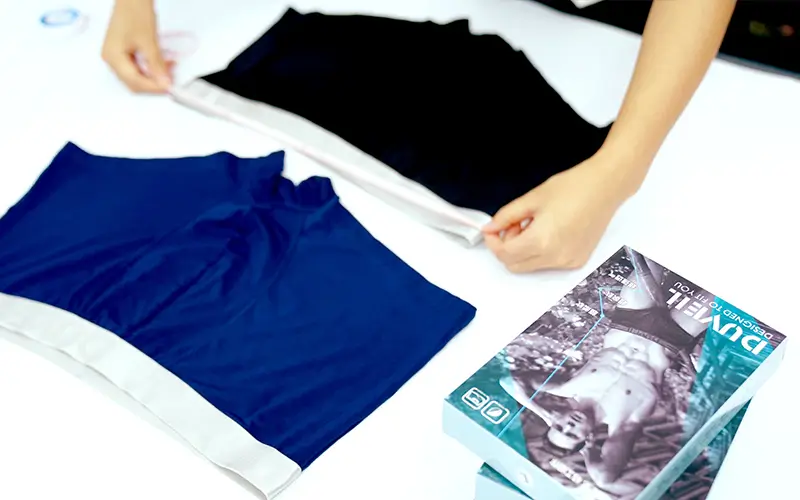
Good underwear product photography lets a shopper see which cut, color, and pack they are ordering before they open a size chart. Give the photographer a production sample and a shot list tied to your SKU. Buyers should be able to compare the waistband, pouch, and leg opening without guessing what changed between two pictures.
Last updated: November 25, 2026
What should underwear product photography show first?
Start underwear product photography with a clean front view of the exact sellable variant. Then show the back, the waistband and pouch construction, and a view that establishes the leg length. For a multipack, show what comes in the pack. Keep fit information close to the image gallery so shoppers can relate what they see to the size chart.
Write the shot list from the buying questions
Work backward from the choices a customer has to make. A straight front view helps identify a trunk or a longer boxer brief. A back view shows coverage and seam placement. A detail crop should answer a question the full view cannot, such as whether the waistband is exposed or covered, or where a functional fly opens. Photograph the inner finish only when it helps explain a feature. Keep construction terms aligned with your underwear fit notes and size chart.
Give each view a purpose. Avoid putting the same front view in several gallery slots with a tighter crop each time. If you use a model for fit context, also show the garment on its own. Note the size worn alongside the listing’s measurement guidance, and avoid using clips or pinning in a way that changes the fit being illustrated. Keep the leg openings visible. A shopper comparing a trunk with a boxer brief needs to see where each ends.
Match each file to a sellable variant
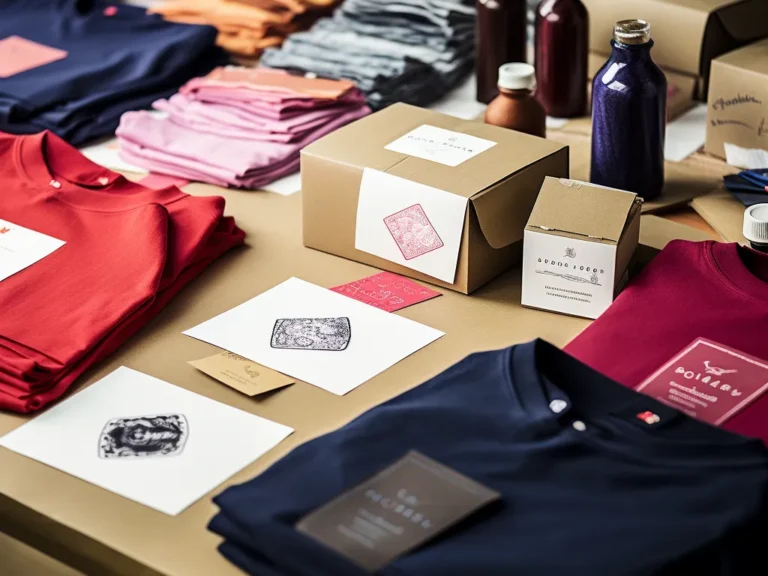
Photograph the final sample for each color family where appearance matters. Put the SKU, sample revision, color code, size, view, and pack count on the shot list. Confirm that the label or packaging in the frame is for that SKU. A folder named after the style may still contain a sample from an earlier color approval, especially when the waistband was revised separately from the body.
Give the marketplace editor distinct assets for the main image, gallery, and campaign. The Google Merchant Center image link requirements describe how the main product image should represent the actual item and avoid promotional additions. Check the channel’s current rules before exporting. The GS1 Product Image Specification Standard is a reference for teams that exchange organized image assets with retailers. Use one approved source file for each view and keep channel-specific crops as derivatives.
Keep the color and fabric believable
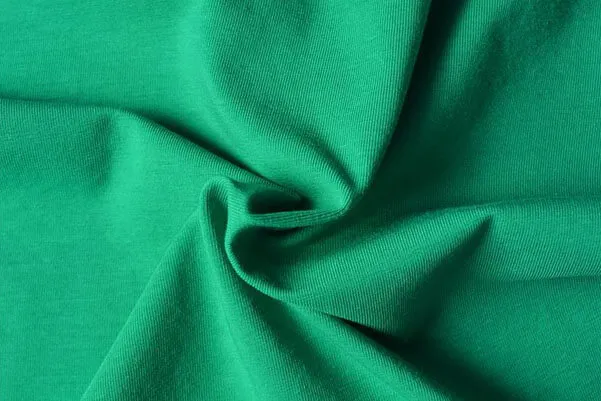
Photograph comparable variants under the same lighting and exposure approach. Review a real sample beside the edited image before approving the listing. If dark fabric needs more light to show seam detail, add a separate detail shot instead of altering the primary image until the color looks like another SKU. Preserve the visible knit texture when retouching dust or creases. Avoid showing a saturated rendering as a photograph of a sample you have not approved.
Use descriptive alt text for informative images, following the W3C guidance on informative images. Name the useful distinction a shopper would otherwise miss, such as the back seam or the functional fly shown in a detail image. A repeated list of keywords does not describe the content of the image.
Approve a listing asset with the sample in hand
Before publishing, ask a teammate to open a listing, change the size and color, then compare the selected SKU with the product and packaging in the photos. Test the image crop on a small screen. Confirm that the waistband, leg lengths, and color still read clearly and that the gallery actually switches when a different color is selected. If you are photographing before the order is packed, confirm the final pack appearance separately using your online underwear packaging brief.
For repeat orders, keep the approved sample and image version together. If the waistband, pouch shape, or color changes, decide which photographs need to be replaced. The Finetex boxer briefs range shows the kinds of cuts and material options a buyer may need to distinguish in that review.
Hand over a small reference sheet with the photos. Include the expected gallery order, the image file that belongs to each variant, and the revision agreed by merchandising. If one view needs a crop for mobile, label the derivative clearly. Keep the original product image available so future marketplace changes do not require a second shoot.
Questions about photographing underwear
Should a flat lay or a model photo be the main image?
Start with the view that most clearly identifies the sellable item and meets your channel’s image rules. A flat lay often makes the outline and construction easy to compare. Use a model view in the gallery where permitted to add fit context.
Can a single picture represent multiple colors?
Use a color-specific image when a shopper can choose that color. If a detail is identical across variants, a shared secondary detail can help, but it should not make the buyer believe a different color or material is included.
What should a multipack image show?
Show the garments or colors in the pack and make the count clear in the product information. Use a separate packaging view when it helps the shopper recognize what will arrive. Keep the image and offer aligned if the pack contents change.
More factory-floor notes for brand owners
Naturally Dyed Underwear: What Should Buyers Test Before Bulk?
Plan naturally dyed underwear testing for wash and rub fastness, shade variation, and reorder approval. Match color and…
Read more →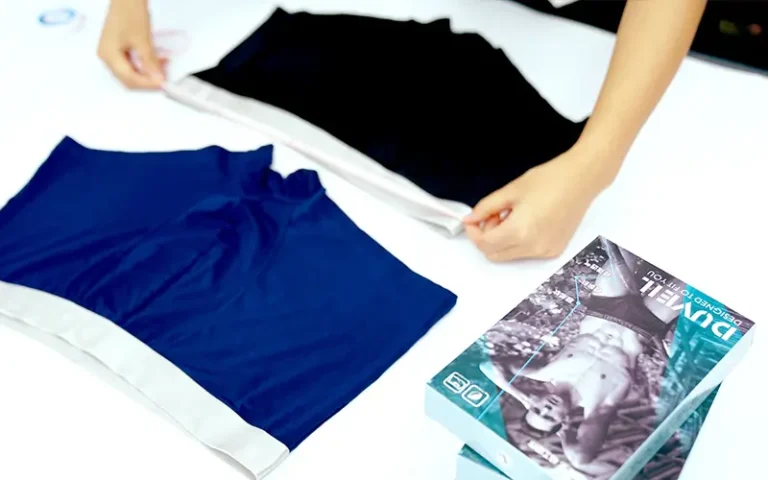
Hidden Pockets in Boxer Briefs: Where Should They Sit?
Choose hidden pockets in boxer briefs by testing placement, access, load, and movement in comparable samples before approving…
Read more →
Silk Underwear Sourcing: What Can a Buyer Approve from a Sample?
Use a silk underwear sourcing checklist to verify fiber composition, compare stretch and seams, and approve care and…
Read more →
Adaptive Men’s Underwear: How Do You Test Side Openings?
Test side openings in adaptive men's underwear with seated and one-handed dressing checks, closure placement reviews, and a…
Read more →Microfiber Underwear Fabric: What Should Buyers Specify?
Specify microfiber underwear fabric by verified fiber content, knit structure, stretch, and wash performance. Use a sample checklist…
Read more →Skin-Tone Underwear Color Matching: How Do You Approve a Range?
Plan skin-tone underwear color matching with physical swatches, stretch checks, and a repeatable shade approval record for production…
Read more →Request a sample & pricing information
Send us your tech pack, target price or a reference sample — we reply with a quotation, a realistic lead time and a fabric recommendation within one working day.
- Free sampling plan & cost breakdown
- MOQ from 300 pcs per style
- Reply within 1 working day